Address
9th Floor, Biscomaun Bhawan, Patna, Bihar- 800001
Work Hours
Monday to Saturday: 10:00 AM - 07:00 PM
Address
9th Floor, Biscomaun Bhawan, Patna, Bihar- 800001
Work Hours
Monday to Saturday: 10:00 AM - 07:00 PM

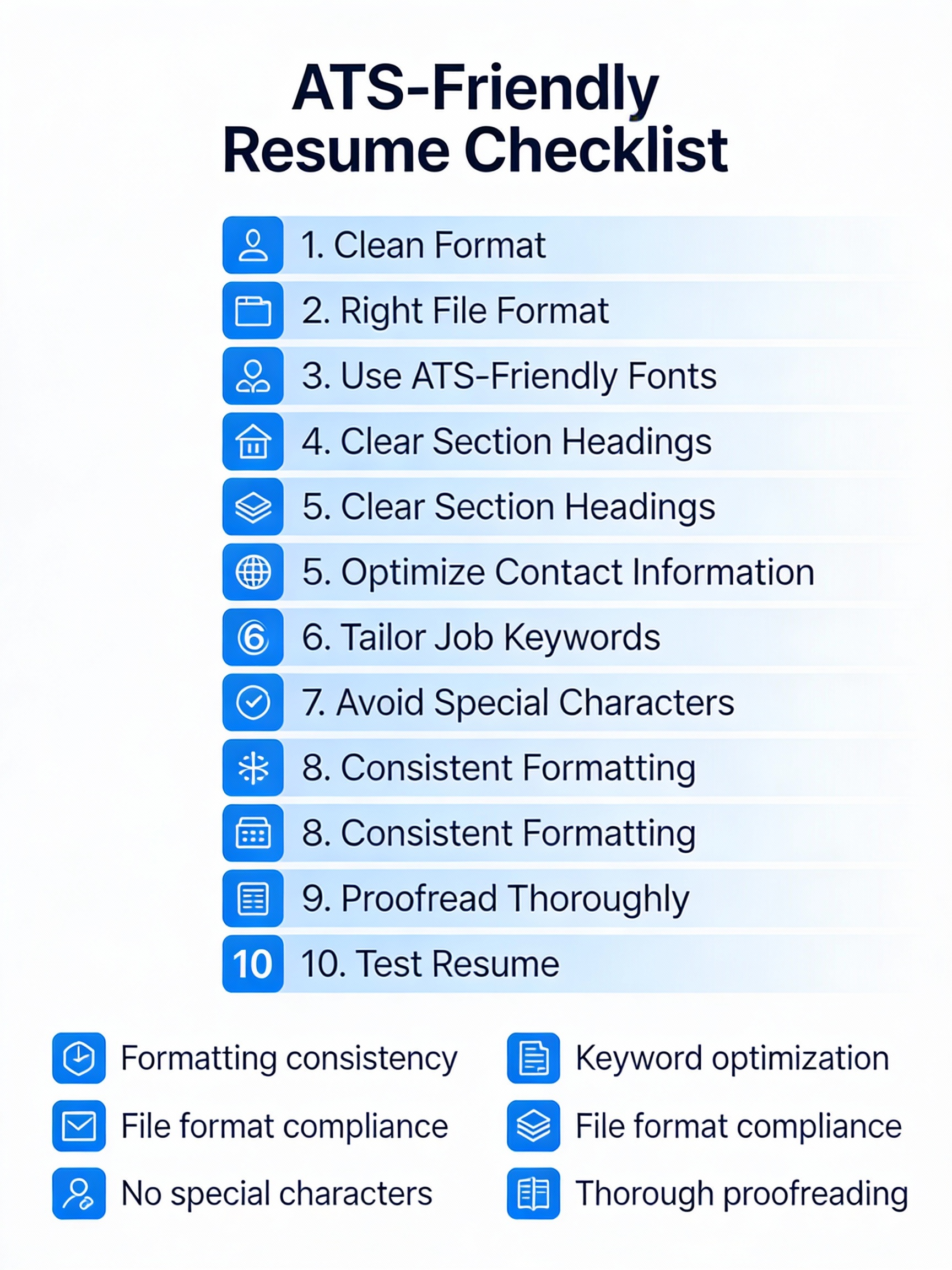
In today’s job market, your resume is often reviewed by a machine before a human ever sees it. If your resume isn’t optimized for Applicant Tracking Systems (ATS), it may get rejected—even if you’re perfectly qualified.
At SkilledInfo, we believe job seekers should understand how hiring really works. This guide will help you build an ATS-friendly resume that not only passes software screening but also impresses recruiters and lands interviews.
An Applicant Tracking System is software used by companies to:
Most medium to large companies use ATS tools like Workday, Greenhouse, Taleo, and Lever. If your resume isn’t ATS-optimized, it may never reach the recruiter’s inbox.
Here are the most common reasons resumes get rejected:
The goal is simple:
👉 Make your resume easy for ATS to read and meaningful for recruiters to understand.
ATS systems read resumes top to bottom, left to right. Complex layouts confuse them.
Best practices:
📌 Tip from SkilledInfo: Simple resumes perform better than visually fancy ones.
Always submit your resume in:
Avoid:
Unless the job posting specifies otherwise, PDF is the safest option.
ATS software looks for familiar headings. Get creative here, and you risk being ignored.
✅ Use:
❌ Avoid:
Keywords are the heart of ATS optimization.
Then naturally include them in:
📌 Example:
Instead of just writing “Worked on data analysis”, write:
“Performed data analysis using Excel, Pivot Tables, and VLOOKUP to generate business insights.”
Your summary should clearly tell both ATS and recruiters who you are.
ATS-friendly summary format:
✅ Example:
Detail-oriented business analyst with hands-on experience in Excel, data visualization, and reporting. Skilled in translating data into actionable insights for business decision-making.
Your Skills section should reflect the job role exactly.
Best practices:
Example:
Avoid listing outdated or irrelevant skills.
ATS systems and recruiters love numbers and results.
❌ Weak:
Worked on marketing campaigns.
✅ Strong:
Executed digital marketing campaigns that increased website traffic by 35% in 3 months.
Use numbers wherever possible:
ATS cannot read:
Keep your resume text-based. If you want to showcase visuals, use a portfolio or LinkedIn profile, not your resume.
ATS doesn’t penalize length, but recruiters do. Be concise and relevant.
Before sending your resume:
At SkilledInfo, we recommend testing your resume against multiple job descriptions, not just one.
Before you apply, ensure:
An ATS-friendly resume isn’t about tricking the system—it’s about communicating your skills clearly and professionally.
When your resume speaks the same language as the job description, you:
At SkilledInfo, our goal is to help you build job-ready skills and career clarity—starting with a resume that actually works.
1. What is an ATS-friendly resume?
An ATS-friendly resume is a resume designed to be easily read and parsed by Applicant Tracking Systems. It uses a simple layout, standard headings, and relevant keywords so your application reaches recruiters instead of getting filtered out.
2. How do I know if my resume is ATS-friendly?
Your resume is ATS-friendly if it:
You can also test it by pasting your resume into Notepad—if it stays readable, it’s likely ATS-compatible.
3. Which resume format is best for ATS?
The reverse-chronological format is the best resume format for ATS. It clearly lists your most recent experience first, making it easy for both ATS software and recruiters to scan.
4. Should I use a PDF or Word file for ATS resumes?
Most ATS systems accept both PDF and DOCX formats. However, unless the job description specifies otherwise, a PDF resume is generally the safest and most professional option.
5. How important are keywords in an ATS-friendly resume?
Keywords are extremely important. ATS software ranks resumes based on how closely they match job-
Explore more career guides, skill-building resources, and job-ready insights only on SkilledInfo.
YouTube: https://www.youtube.com/
WhatsApp Channel: https://www.whatsapp.com/channel/0029Vb7YT3QLCoXAyRs1IZ46
LinkedIn: https://www.linkedin.com/company/dailyliveindia/
Instagram: https://www.instagram.com/dailylivindia/
Telegram: https://t.me/dailylivindia